
Duplicating Published Decks
Version 0.6.0

Pine now supports duplicating published decks to your own workspace. Clicking “Duplicate in Pine“ on any published deck will now re-route you to the web app where you can control your duplication:
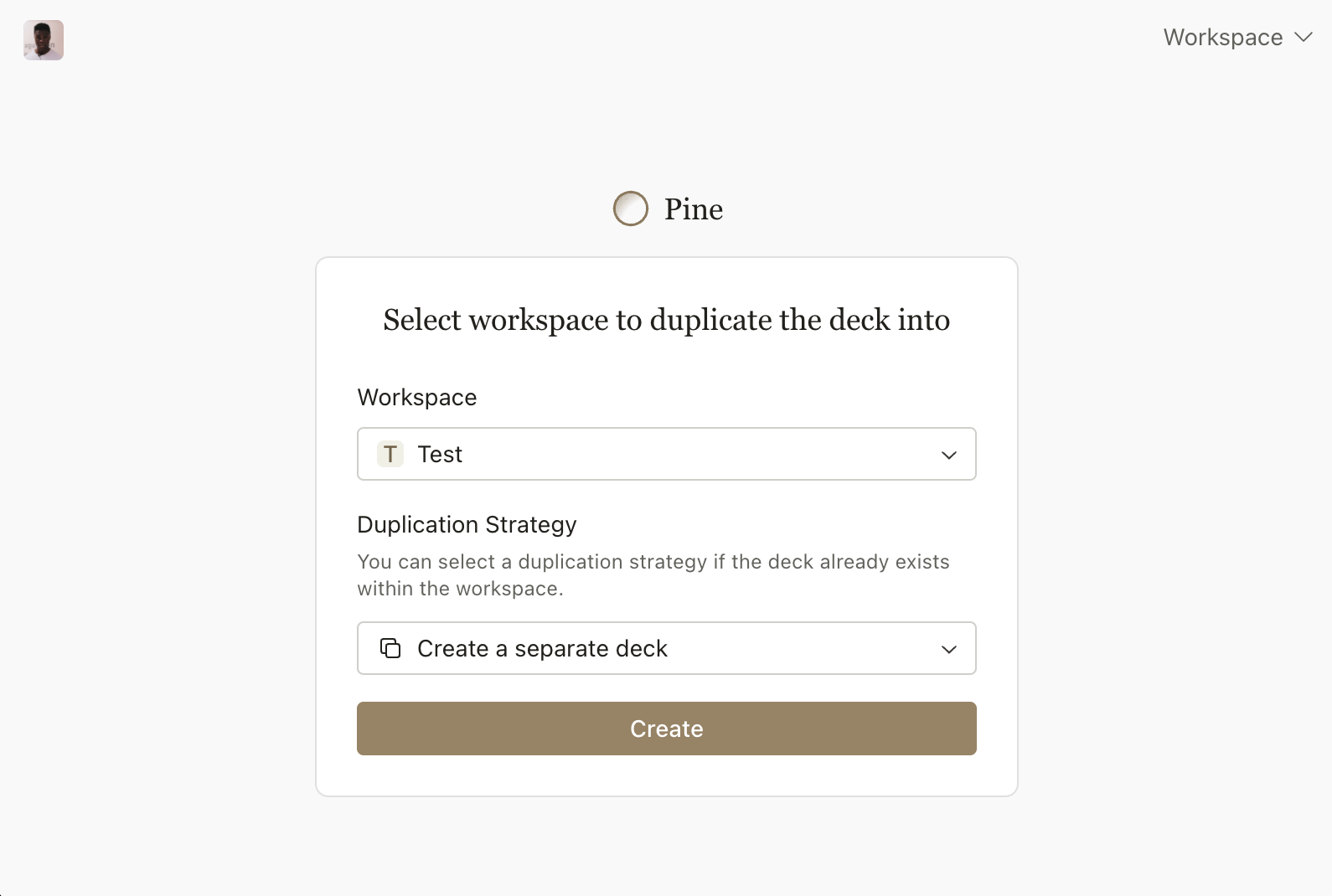
In this view, you can select the target workspace and your preferred duplication strategy. Your duplication strategy allows you to control how a deck should be merged. This is especially important if you have previously duplicated a published deck and want to duplicate it again to keep it up to date. In these situations, the options are to:
Create a separate deck.
Merge new cards into the existing deck.
Replace all cards within the existing deck
If you don’t have a Pine account, you’ll first be directed to create a user account and an initial workspace before proceeding with deck duplication.
Other Improvements & Fixes
If you are using multiple tabs, the full path will now be shown in the tab header of the selected tab.
Introduced support for progressively loading workspace data. Previously, we would wait until all the data had loaded before rendering your workspace. Now, we render your workspace in chunks as soon as the necessary data has loaded.
Improved the speed of dynamic thumbnail generation for published decks. This means that your social images will now show up faster and more consistently when sharing your published decks on social media sites.
Fixed a bug where images with a
.jpegextension weren’t being rendered.